 In this section
What is LibKey Nomad?
LibKey Nomad is a free browser extension which gives you quick and easy access to journal articles subscribed to by the Library. Once installed, extra links are added to your search results on databases like PubMed, in the references on BMJ Best Practice, on journal webpages, and more.
Benefits of installing this extension:
- Makes it easier to access journal articles with one-click links.
- Saves you time by speeding up the research process.
- Works with you as you search the web.
- Provides easy access to our document delivery service for articles not available through our subscriptions.
- Available on a range of popular browsers, such as Edge, Chrome and Safari.


How do I install the LibKey Nomad extension?
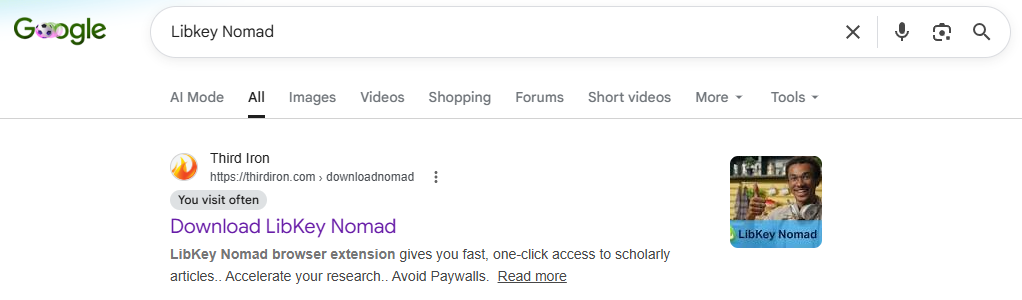
- To add this extension to your browser you first need to search for LibKey Nomad on Google. Click on the first result, “Download LibKey Nomad”:
2. This will take you to the website of Third Iron, the company that created this extension. Scroll down the page and you will see the option to select the browser you use:
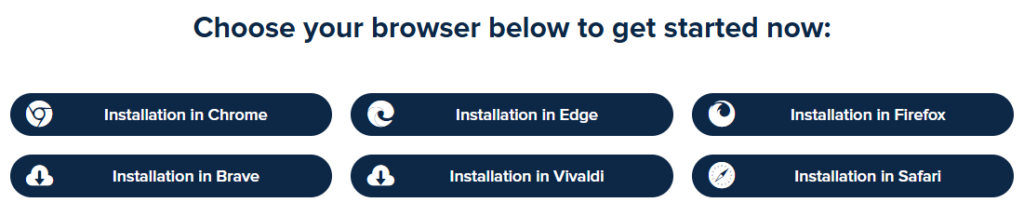
3. Click on the browser you use and this will start the installation process. You would need to select Edge if you’re installing it on your Trust computer, but if you’re installing on a home device you can choose whichever browser you prefer.
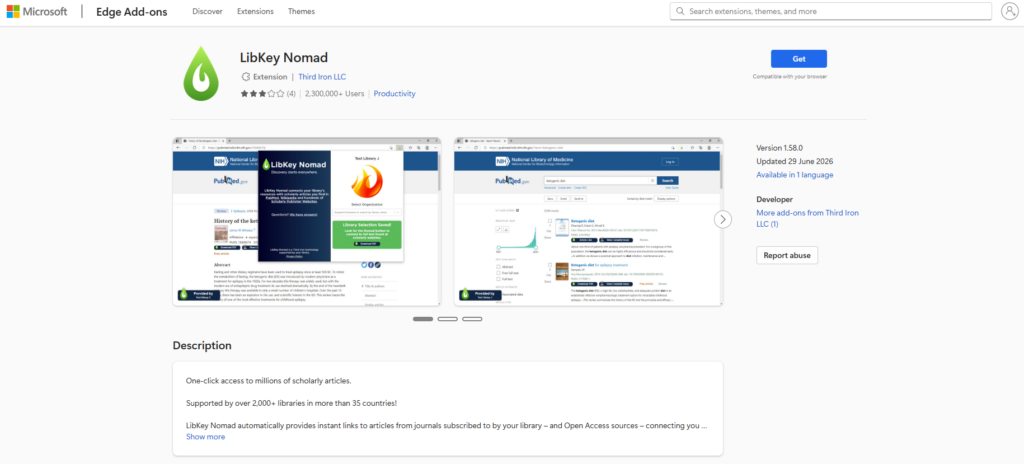
4. You will be taken to a Microsoft page for Edge Add-ons. Click on the blue button “Get” at the right of the page:
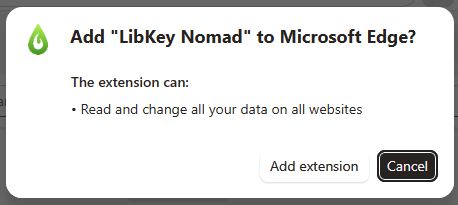
5. A pop-up box will appear asking the question: “Add Libkey Nomad to Microsoft Edge?”. Click on “Add extension”:
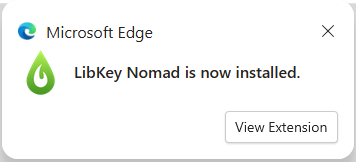
6. Another pop-up with then appear which states that “LibKey Nomad is now installed”:
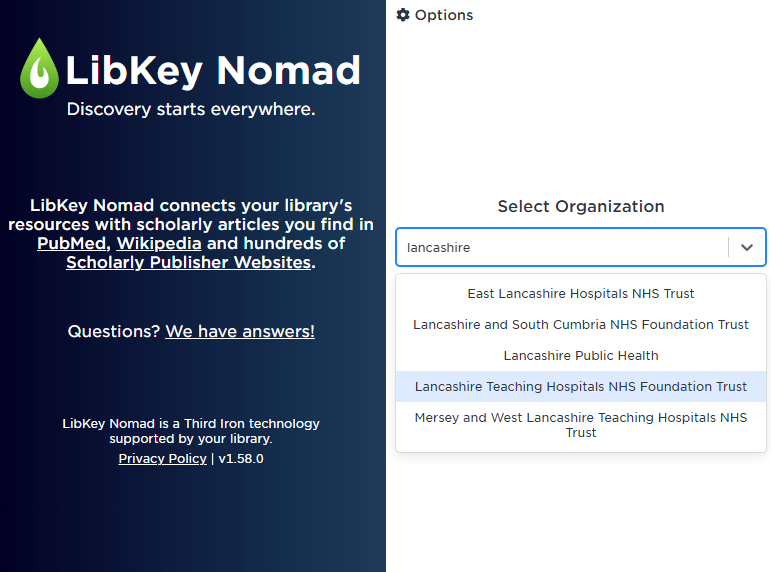
7. You will also see another box with a search box. Here you need to search for the organisation. Start typing ‘Lancashire…’ and a drop-down list will appear. Select “Lancashire Teaching Hospitals” from the list. This is required so that the software know what journals you have access to.
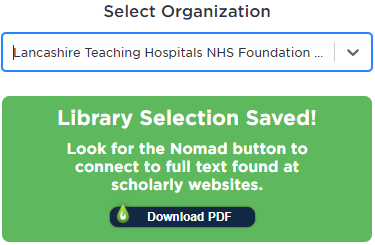
8. It will then say this selection was saved:
LibKey Nomad is now fully installed on your browser and ready to start using when searching for articles online.